
Lawn care software features
Schedule, bill and route your lawns from one app.
Lawn care scheduling, invoicing and estimates. Free to start on iPhone, Android and the web.
Schedule
Finish several lawns at once. Each one's next visit is already set. Rained out? Skip the day.
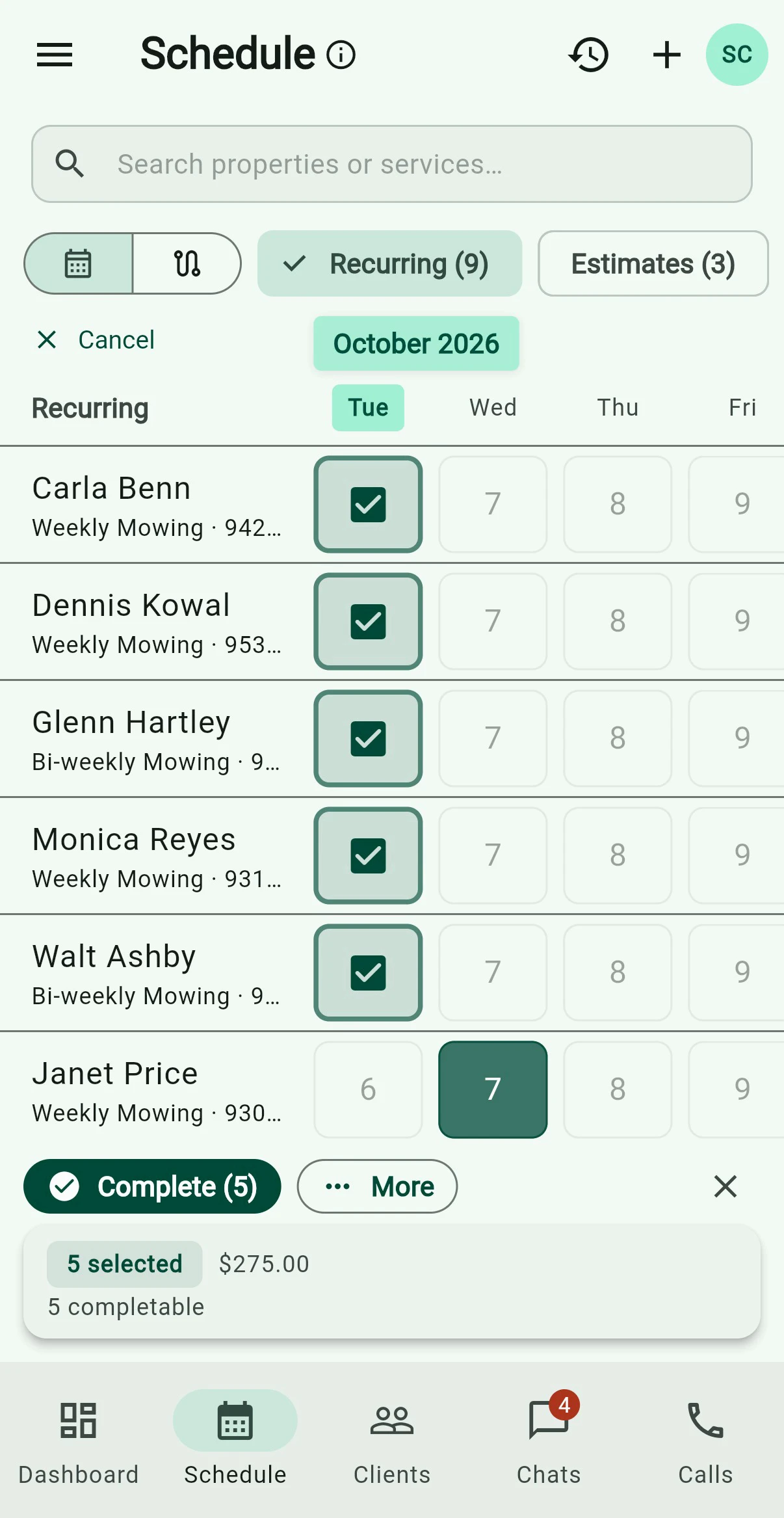
Billing
Bill every finished lawn at once. Charge the card on file, or send by email, text or mail. Texting needs the phone line; mail costs postage.

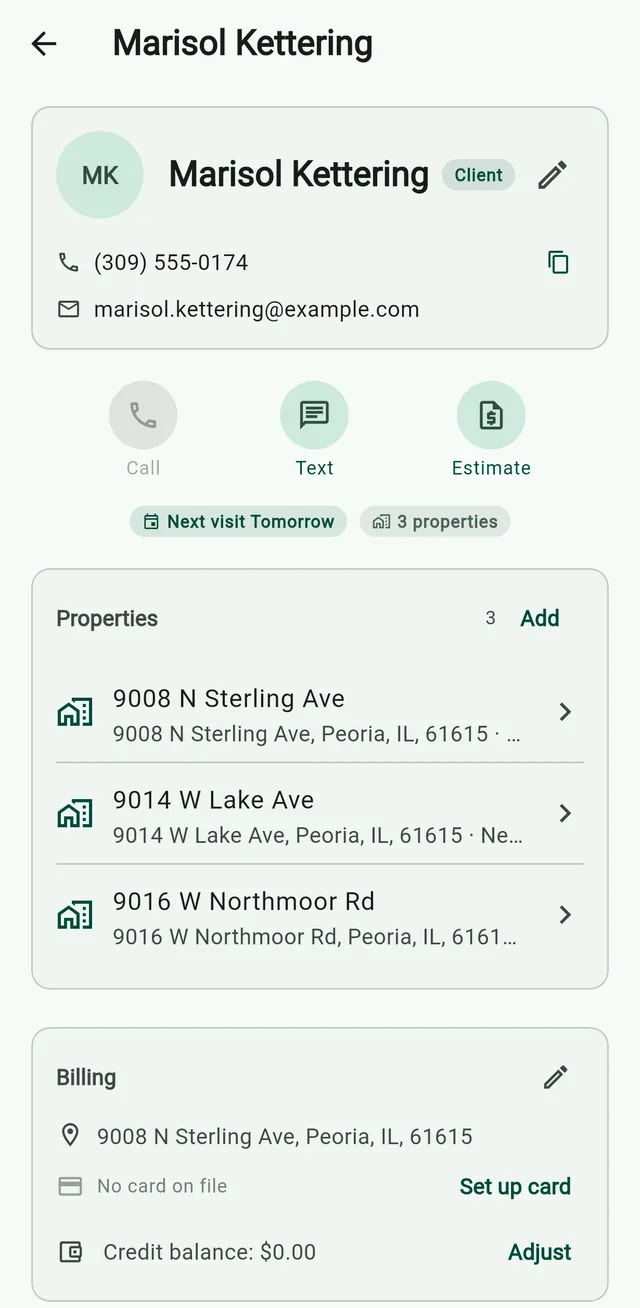
Clients and properties
One client, several lawns, each with its own price.
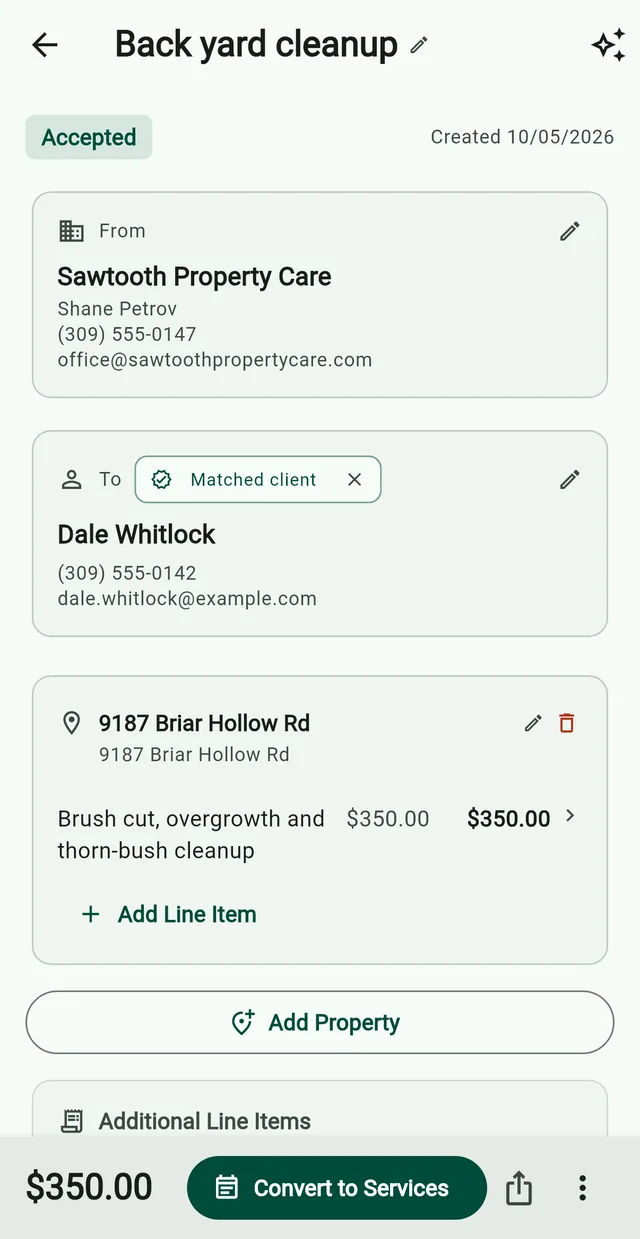
Estimates
Send the client a link. When they say yes, turn it into an invoice or a mowing plan.
Route builder
Paste addresses, upload a list, or snap your notepad. Grass Go puts the stops in driving order.

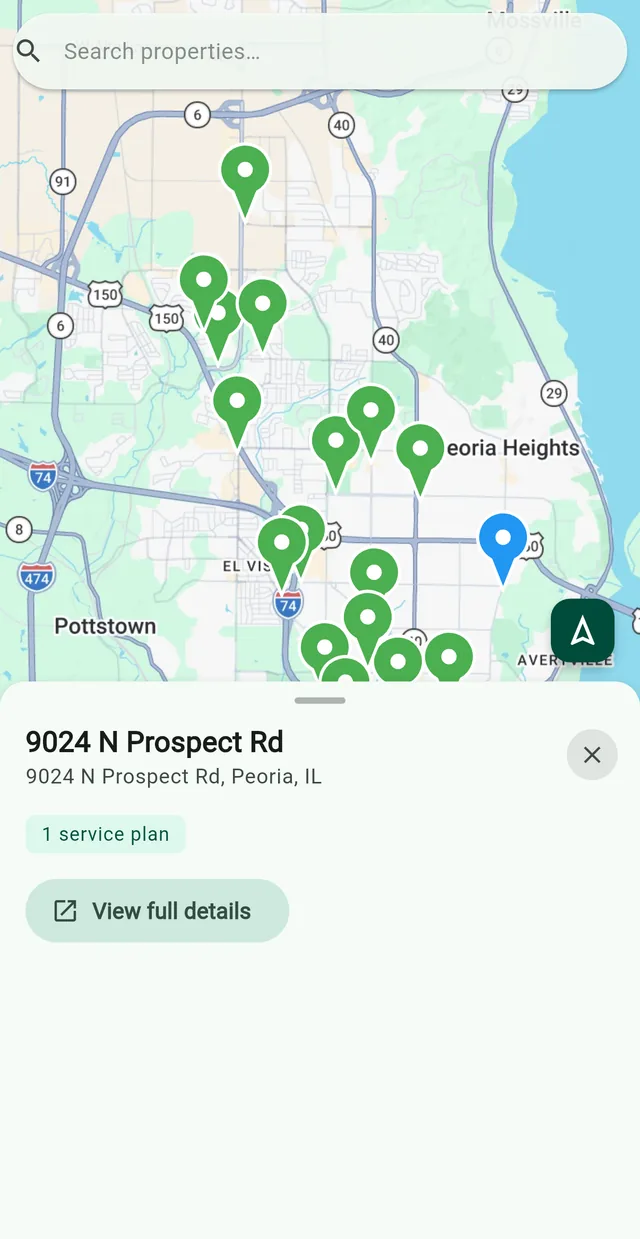
Map
Every property as a pin. Tap one to see its plans.
Assistant
Hand it a spreadsheet or a photo of your client book. Nothing saves until you approve it.
Still in development.

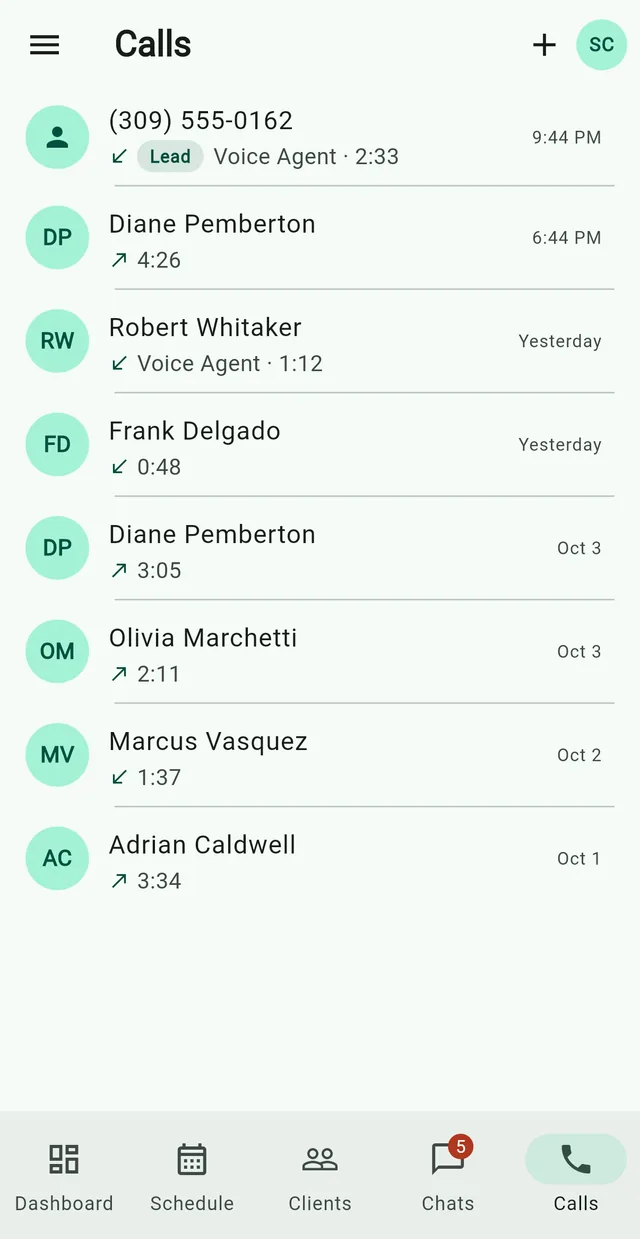
Business phone line
Miss a call and the AI receptionist takes the caller’s details. It never quotes or books. $24.99/mo.
Call the demo line: (309) 252-4092Phone lineFrequently asked questions
Is Grass Go really free?
The app costs nothing, and signing up needs no card. Stripe's 2.9% + 30¢, plus 0.7%, only when a client pays by card. The phone line and website are optional add-ons.
How do I bring my clients over?
Hand the assistant your spreadsheet, or pick them from your phone's contacts.
Can my crew use it?
Send a helper the day's route as a link. They check off stops with no login.
Related
- How Grass Go pricing worksGrass Go takes 0.7% only when a client pays by card.
- Grass Go vs JobberPrices and features side by side.
- Grass Go vs YardbookNative apps and no ads.
- Grass Go vs LawnProNo 25-customer cap.
- Nate’s lawn business in Macomb~50%Clients on auto-charge50–60Invoices a month55Recurring clientsNate Clark, owner of Belle and Brothers Lawn Service and founder of Grass Go. His numbers, as of the 2026 season.