
Mow it. Mark it. Bill it.
The lawn care app for your schedule, routes, estimates and invoices. Free to start.
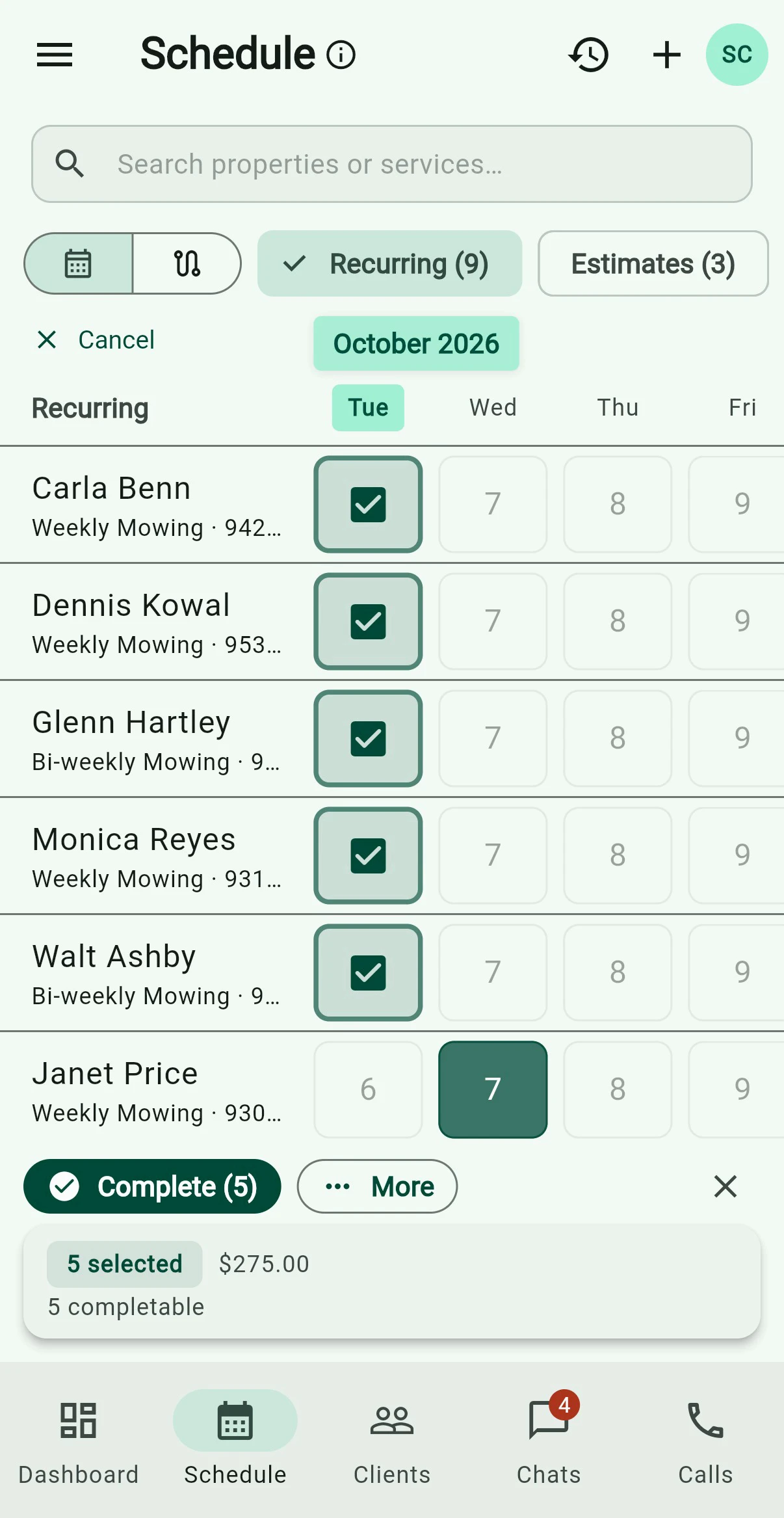
Today’s route, in driving order.
Every recurring lawn on one schedule. Rained out? Skip the day.
Scheduling
Bill every lawn with one tap.
Charge the card on file, or send by email, text or mail. Texting needs the phone line; mail costs postage.
Billing
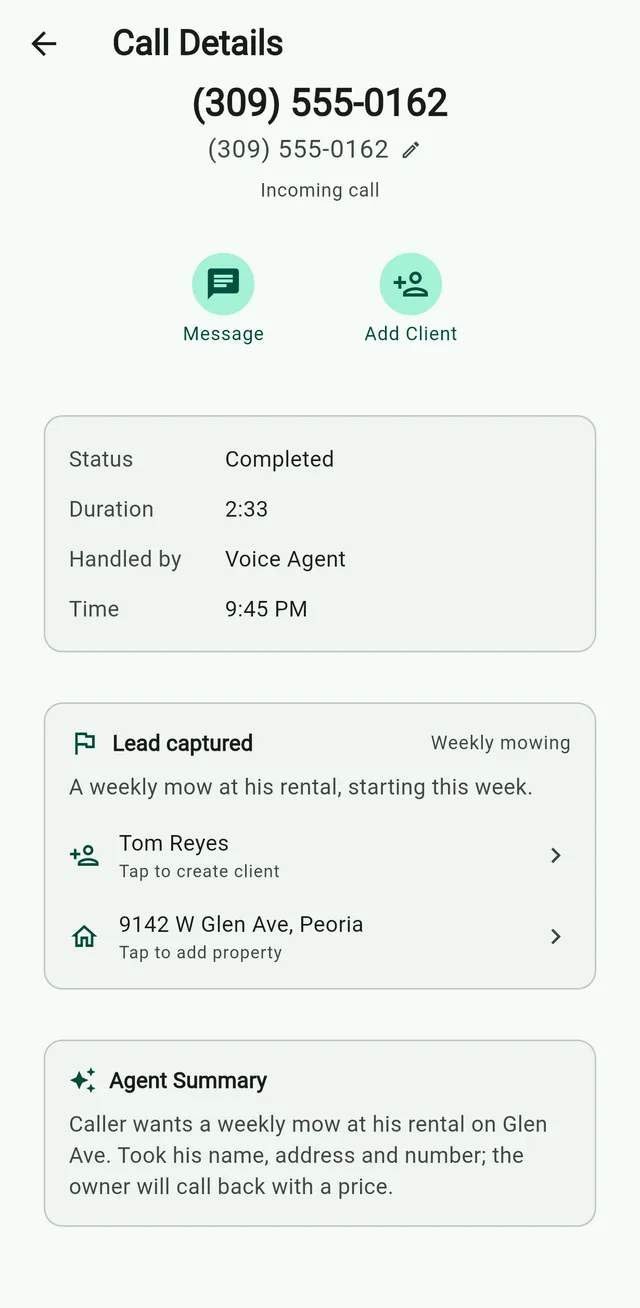
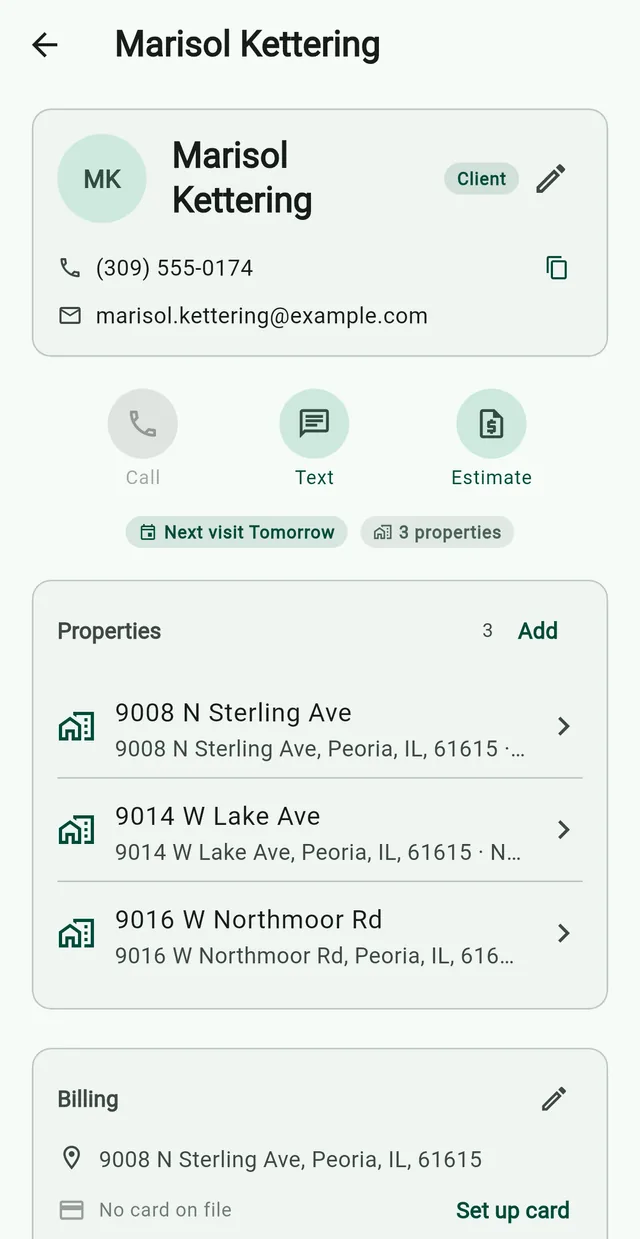
Nate’s lawn business runs on it.
Nate Clark built it for his own business, Belle and Brothers Lawn Service in Macomb, Illinois.
- Clients on auto-charge
- ~50%
- Invoices a month
- 50–60
- Recurring clients
- 55
His own numbers, as of the 2026 season.
Belle and Brothers storyFree to start. No credit card.
Pricing- The app
- $0
- Cash or check
- $0
- Card paymentsStripe's 2.9% + 30¢, plus 0.7%, only when a client pays by card.
- 0.7% + Stripe
- Phone line (optional)
- $24.99/mo
- Website (optional)
- $5/mo
Prices as of Oct 5, 2026.
Try it before you sign up.
No account needed.
Questions
Is Grass Go really free?
The app costs nothing, and signing up needs no card. Stripe's 2.9% + 30¢, plus 0.7%, only when a client pays by card. The phone line and website are optional add-ons.
Does Grass Go work on iPhone and Android?
Yes, and on the web at app.grassgo.com, with one account everywhere.
Can the AI book jobs or quote prices?
No, on purpose. It saves who called and what they need. Quoting and booking stay with you.
How does Grass Go compare to Jobber, Yardbook or LawnPro?
No tiers and no per-seat price. You pay only when a client pays by card, or for an add-on you choose. Grass Go vs Jobber Grass Go vs Yardbook Grass Go vs LawnPro
Can my crew use it?
Send a helper the day's route as a link. They check off stops with no login.